
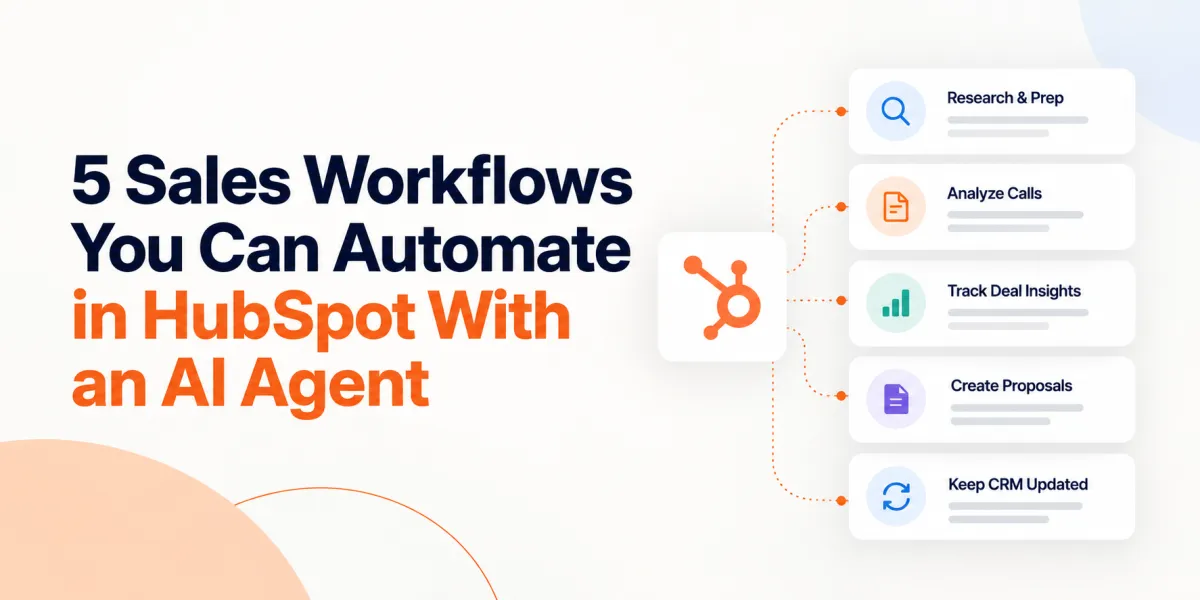
5 Sales Workflows You Can Automate in HubSpot With an AI Agent
HubSpot's native automation moves deals through stages, routes leads, and summarizes calls well. What it cannot do is tell a rep why a specific prospect matters or how your solution maps to their problem. That gap between rules-based automation and judgment-based output is where an AI agent trained on your business earns its place.
Here are five ways to automate sales workflows in HubSpot with an AI agent, whether you run 10 sellers or 150. Some of this runs directly inside HubSpot. Some runs in a connected web app with results synced back to the record, and we will tell you which is which as we go.
What does it mean to automate a sales workflow with an AI agent?
It means replacing a manual, judgment-heavy task with an AI system that has enough context to produce a genuinely useful output, not just a faster version of a generic one. A HubSpot workflow fires when a deal hits a stage or a form gets submitted. It cannot read a discovery transcript and tell a rep what got missed, and it cannot write a proposal that reflects your actual case studies. That takes an agent trained on your business, which is the difference between AI-native and AI-bolted-on. A chatbot added to an existing tool inherits that tool's blind spots.
Here is where the five workflows below actually live. Workflow one, pre-call research, runs as a native app card on the HubSpot contact record, and on lead records if your portal has Sales Hub Professional or Enterprise. Workflows two through four run in the Revenue Growth Agent (RGA) web app today, with outputs synced back to the HubSpot record automatically. Workflow five is what happens to that record as a result. HubSpot-native versions of the remaining agents are on the roadmap.
How is an AI sales agent different from HubSpot's built-in AI?
HubSpot's built-in AI summarizes calls, drafts emails, and routes records based on rules you set, but it has no knowledge of your specific solutions or case studies. An external agent like RGA trained on your business closes that gap, since every output is grounded in content you uploaded rather than patterns pulled from the open web.
1. Pre-call research and meeting prep on the contact record
This is the one workflow here that runs natively inside HubSpot. The Meeting Prepper Agent lives as an app card on the contact record, and on lead records for portals with Sales Hub Professional or Enterprise.
The output takes one to two minutes to generate, against 30 to 60 minutes for the equivalent research done by hand, which is usually why it never happens before a call. Cutting that window from an hour to two minutes changes whether the research gets done at all. Everything generated saves back to the contact record automatically, so the next rep who touches the account inherits the context instead of starting cold. For the connection steps, RGA's quick start guide walks through the HubSpot setup.
What does an AI meeting prep brief actually include?
A complete brief covers the company overview, financial insights, and three likely competitors with their strengths and weaknesses, plus personal insights on the prospect, predicted pain points, talking points, eight discovery questions, and a mapping of your solutions to those pain points. Reps can open the brief inside HubSpot, in a browser tab, or download it as a Word document.
2. Post-call discovery analysis and MEDDIC scoring
Upload the recording from your AI notetaker, whether that is Fathom, Fireflies, Zoom, or Teams, and the analysis runs after the call ends. This workflow is post-call.
The upload takes about five seconds, and analysis runs in about 2 minutes. That breakdown covers deal state, a Metrics, Economic Buyer, Decision Criteria, Decision Process, Identify Pain, Champion (MEDDIC) score across all six components, emotional themes, buyer commitments, and a gap analysis of what got confirmed versus missed, with zero fields for the rep to fill.
Compare that to the standard coaching cycle, where a weekly 1:1 gets canceled, shortened, or quietly turns into a forecast review, leaving a rep with maybe 30 to 60 minutes of real coaching a month. An automated breakdown does not replace that manager relationship, but it gives the rep something useful after every call instead of once a month if the calendar cooperates.
Can AI score a deal against MEDDIC without the rep filling anything in?
Yes. Scoring runs entirely from the uploaded transcript, with each of the six MEDDIC components scored 0 to 10 based on what was actually said. The score reflects the conversation as it happened, not how the rep remembers it afterward.
3. Deal risk and next-call questions across a multi-meeting cycle
With a clean read on any single call in hand, the harder question is what happens across five or six calls with the same account. Multi-meeting deal intelligence carries commitments, risks, themes, and open gaps forward from call to call, so the next conversation starts with context instead of a rep flipping back through old notes. This is where the qualification questions most reps never think to ask on their own surface, like whether everyone else on the buying committee saying yes still leaves someone who can say no.
Goal-driven meetings extend the same idea forward: a rep defines the buyer commitment they are chasing before the call, then sees how close the conversation got afterward.
4. Proposal creation immediately after the discovery call
Sales is the transfer of enthusiasm, and enthusiasm has a short half-life. A proposal that lands two or three days after a strong discovery call arrives on a prospect who has already moved on, and that gap is where a lot of quiet ghosting starts.
RGA generates a proposal in minutes after the call ends, mapped to what the buyer actually said rather than a generic template: what the rep heard, what is at stake for the buyer, the proposed path forward, outcomes and ROI, personal wins for the people involved, budgetary pricing, and two case studies chosen for relevance rather than the two the rep remembers.
Two things make this stronger than a standalone proposal tool. First, the discovery coaching from workflow two feeds the proposal directly: because the rep has already been pushed through MEDDIC and value-based discovery, the proposal has real pain quantification to work with instead of a generic feature list. Second, the output does not read like it came from a machine, which matters more than most teams realize. Roughly 80% of conventional proposals lean on the same template structure, and a document that reads as obviously AI-written gets discounted on sight, pushing a deal toward no decision rather than a signature.
Why does an AI-generated proposal fail if it reads like AI wrote it?
Because a prospect who notices generic, templated language reads it as a sign the vendor did not listen during discovery. That undercuts trust at the exact moment a deal needs it most and tends to push the buyer toward inaction rather than a decision.
5. Keeping the CRM current without manual data entry
The prep date, session details, a shareable brief link, and confirmed contact fields all write back to the HubSpot contact automatically, without a rep touching a keyboard. Proposal and statement of work links are portable too and can be saved to a CRM field, so the deal record stays complete without manual entry.
This is the workflow nobody asks for by name and almost everybody needs. CRM hygiene is usually where sales tool adoption quietly dies, since reps will use a tool that helps them sell but will not maintain one that only helps a manager report. When the record updates itself as a byproduct of work already being done, that failure point disappears.
Can you just do this with ChatGPT or Claude instead?
This deserves a straight answer, since most sales leaders have already tried it. General-purpose AI models get you to roughly 80% of a usable output fairly quickly, and the remaining 20% is where the real cost sits: no context on what you actually sell, so output defaults to generic language; a requirement that the rep act as a competent prompt engineer every time, which does not scale past your best seller; and writing that tends to read as AI-generated, the same trust problem covered above, just earlier in the funnel. Even a strong result still takes 30 minutes or more of prompting, and most reps will not sustain that call after call.
Where Revenue Growth Agent fits alongside HubSpot
RGA is built AI-native, not bolted onto a CRM, a call recorder, or a sequencer. The platform trains three agents on your actual solutions, case studies, and value proposition. The Meeting Prepper Agent is embedded natively as a HubSpot contact and lead card, with the rest of the suite running today in the RGA web app and syncing results back to HubSpot automatically.
RGA is built to make your existing reps and managers more effective, not to replace either one. HubSpot data is never used to train RGA's models, and you can review the full approach at the Trust and Security Center.
If you want to see how this fits your specific HubSpot setup, book time with an RGA expert and walk through it with your own portal in view.